Repo UI
The Repository UI is Sourcify's web interface for browsing verified contracts. Use it to inspect contract details and artifacts across supported chains. You can access it at repo.sourcify.dev.
The repository data model follows the Verifier Alliance schema with Sourcify-specific extensions, and verified artifacts are available through Sourcify's repository and IPFS.
What you can do:
- Search by contract address and network.
- Inspect compilation settings, metadata, and match status.
- Browse/download source files and ABI directly in the browser.
Features
Every contract's repository page shows compilation settings, ABI, metadata, and onchain information, plus the advanced views below.
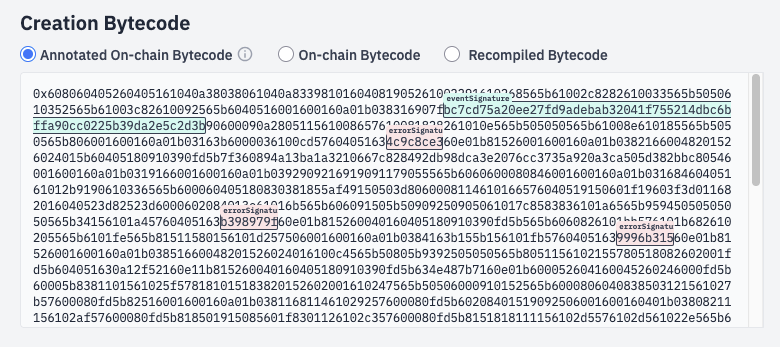
Annotated bytecode
Annotated bytecode views (creation and runtime) highlight transformations and signatures.
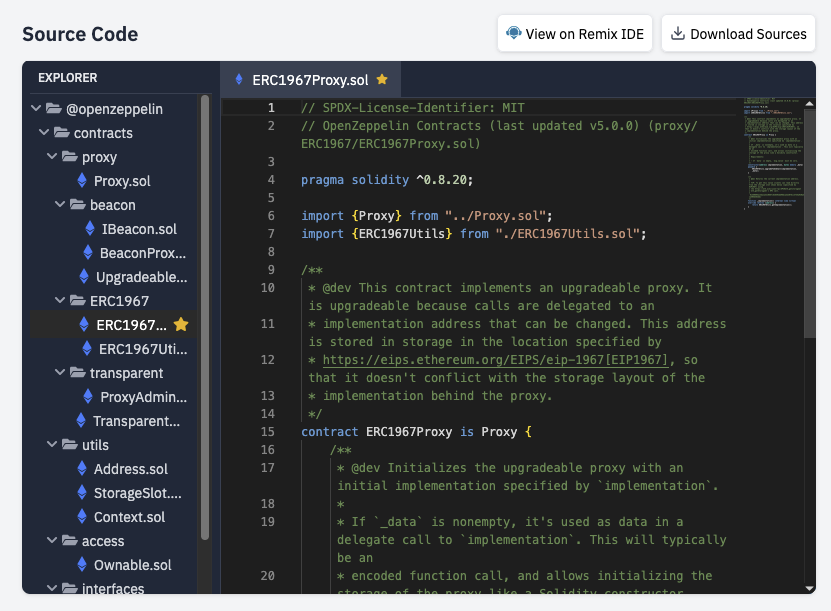
Sources
The Sources view provides a source explorer to navigate verified files directly in the browser.
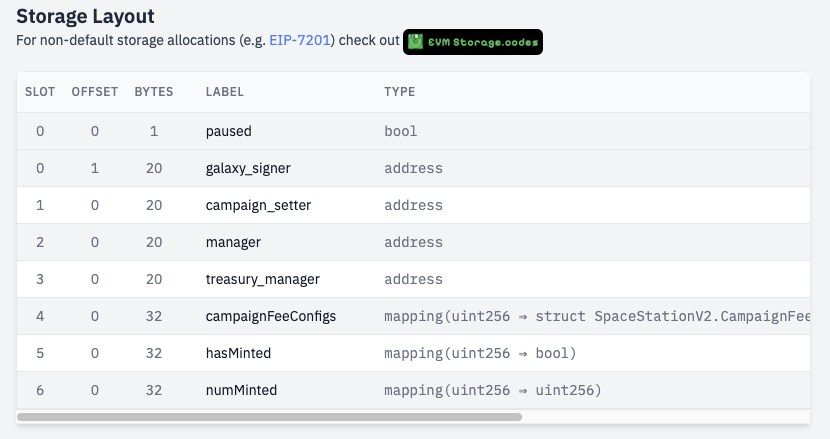
Storage Layout
The Storage Layout view displays variable slots.